Template Rendering in Rust using Askama
Introduction
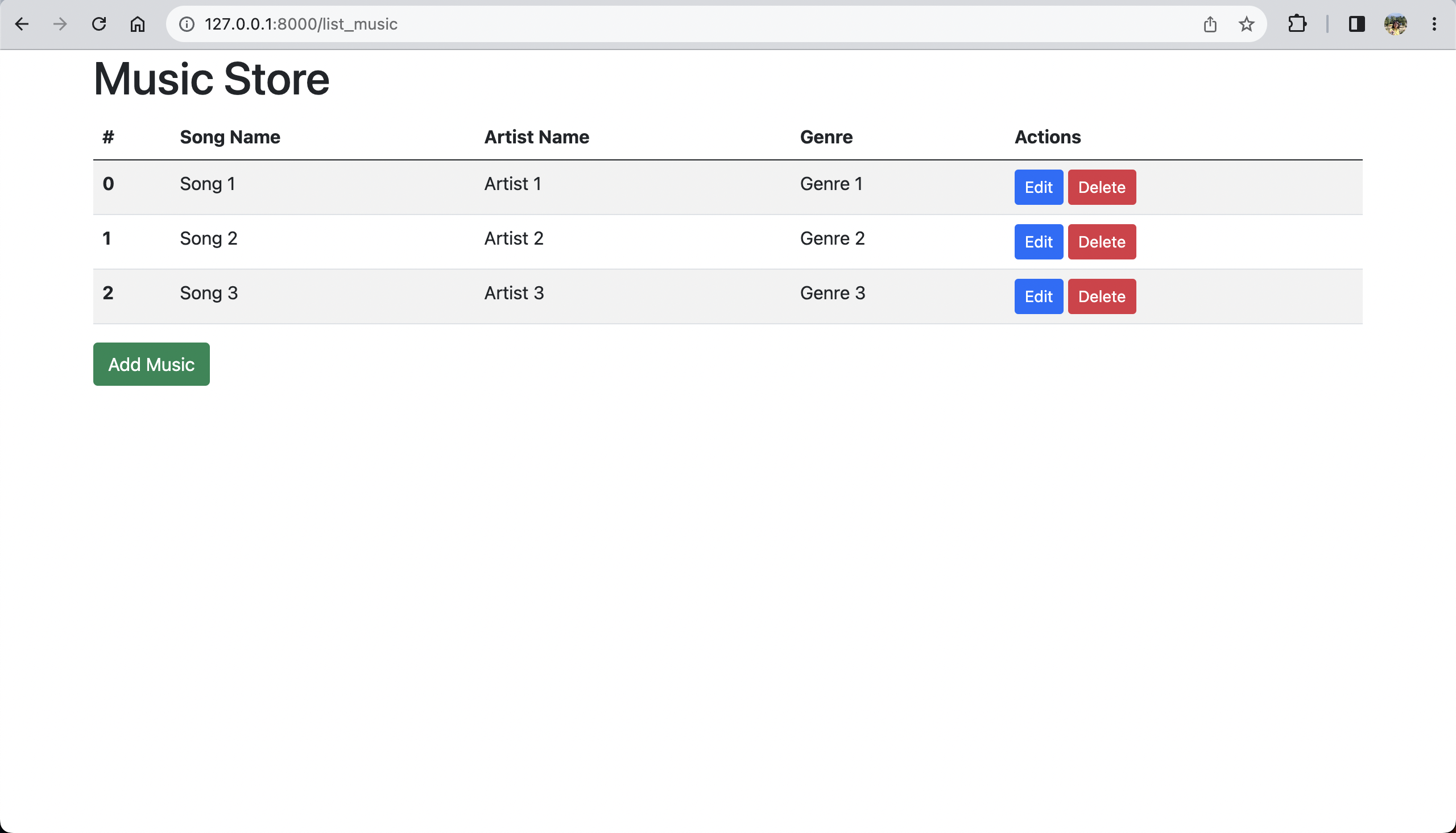
In this tutorial, we will explore the usage of Askama library for template rendering in Rust. Let's create a simple music store application(as shown below) which allows us to add, update and delete information.
Setup
Create a new cargo project music_store using the following command.
cargo new music_store
cd music_store
Add the following dependencies to Cargo.toml file.
tokio = { version = "1.28.1", features = ["full"] }
actix-web = "4.3.1"
askama = "0.12.0"
askama_actix = "0.14.0"
serde = { version = "1.0.163", features = ["derive"] }
lazy_static = "1.4.0"
tokio and actix-web libraries are used for building asynchronous and concurrent web applications.
askama library is used for templating and askama_actix is an integration library that bridges askama and actix-web.
serde is used to serialize/deserialize request payload.
lazy_static is used to initialize static global variables at runtime.
Create Templates
Adding HTML files
Create a directory named templates in crate root. Our directory structure will look like this.
music_store
├── Cargo.toml
├── src
│   ├── main.rs
└── templates
Now let's create a welcome page by adding index.html to templates directory.
We will be using Bootstrap to create HTML pages.
DOCTYPE html
html lang"en"
head
meta charset"UTF-8"
meta name"viewport" content"width=device-width, initial-scale=1.0"
link rel"stylesheet" href"https://cdn.jsdelivr.net/npm/[email protected]/dist/css/bootstrap.min.css"
titleMusic Storetitle
head
body
div class"container"
h1Music Storeh1
{% block add_music %}{% endblock %}
{% block music_list %}{% endblock %}
div
body
htmlWe will see the usage of add_music and music_list blocks in the later part of the tutorial.
Template Rendering
To render templates, we have to implement Template trait, from the askama library, for any struct type in Rust.
We can easily do that using derive macro.
Create http_handles.rs file in src directory.
use askama_actix::Template;
Template
= "index.html"
pub struct WelcomePage;
pub async fn welcome() -> WelcomePage { WelcomePage }We have defined an empty struct WelcomePage which implements Template trait and set the path to the template file using template() attribute.
Starting Web Server
We will configure routes in the HTTP server to call welcome function from http_handlers.rs
Add the below code to main.rs
mod http_handlers;
use actix_web::web::ServiceConfig;
use actix_web::{App, HttpServer, web};
use crate::http_handlers::*;
::
async fn main() {
if let Err(e) = start_server().await {
println!("Error while starting http server {}", e);
}
}
async fn start_server() -> std::io::Result<()> {
println!("Starting server at http://127.0.0.1:8000/");
HttpServer::new(|| App::new().configure(routes))
.bind(("127.0.0.1", 8000))?
.run()
.await
}
fn routes(service_config: &mut ServiceConfig) {
service_config.route("/", web::get().to(welcome));
}Build and run the project to start the server.
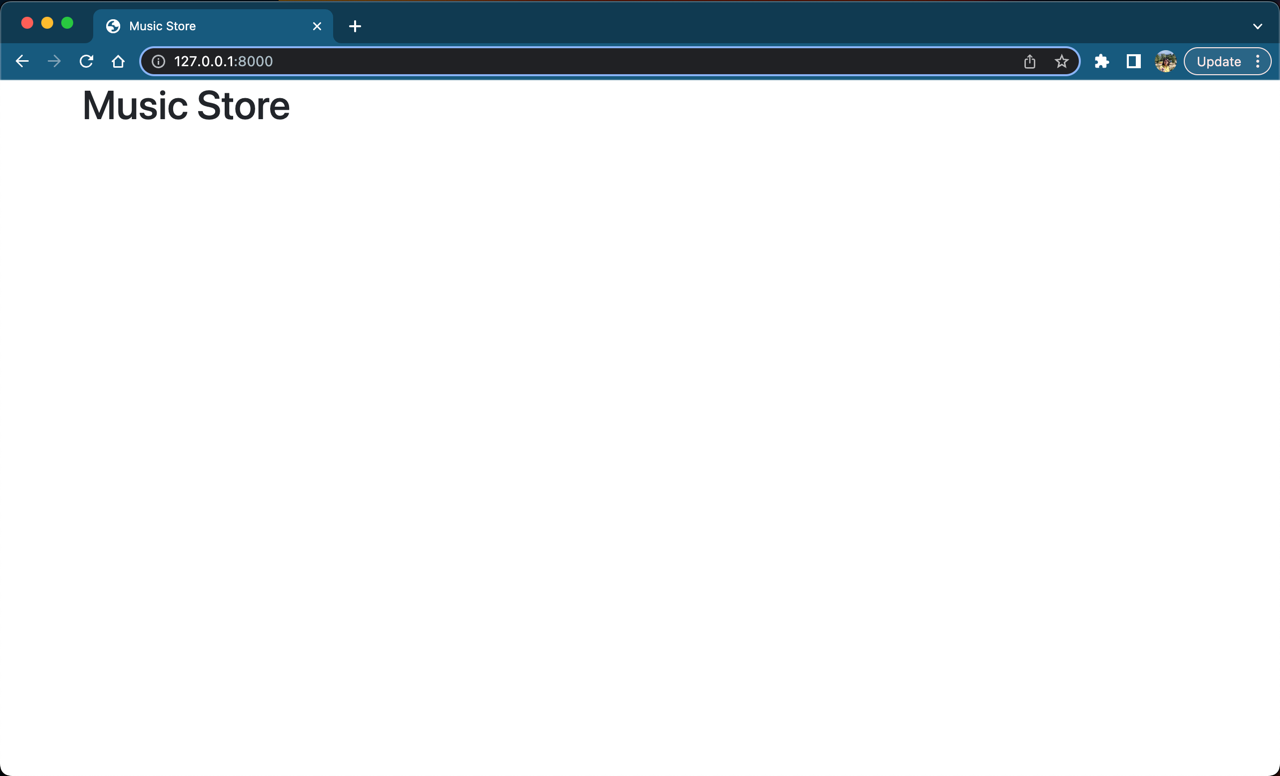
cargo runYou should be seeing below webpage on http://127.0.0.1:8000
Check out Part-2 of the tutorial where we will add data to DB and view them. 😀